Thinking before technology
The four-stage cycle builds habits that last longer than any app or robot.
Computational thinking for an AI world · Curriculum for Excellence · P1–P7
Children growing up with AI need to plan, predict, test and improve, not just press buttons. Tangible Coding gives Scottish primary schools a hands-on, screen-light way to build those habits, a learning cycle teachers can use in any subject, and the technology to do it, managed for you.
Our classroom promise
Thinking, not just coding
Today's pupils will grow up alongside AI that writes, recommends and decides. They need to break a problem into steps, say what they expect, notice when a machine gets it wrong and work out why.
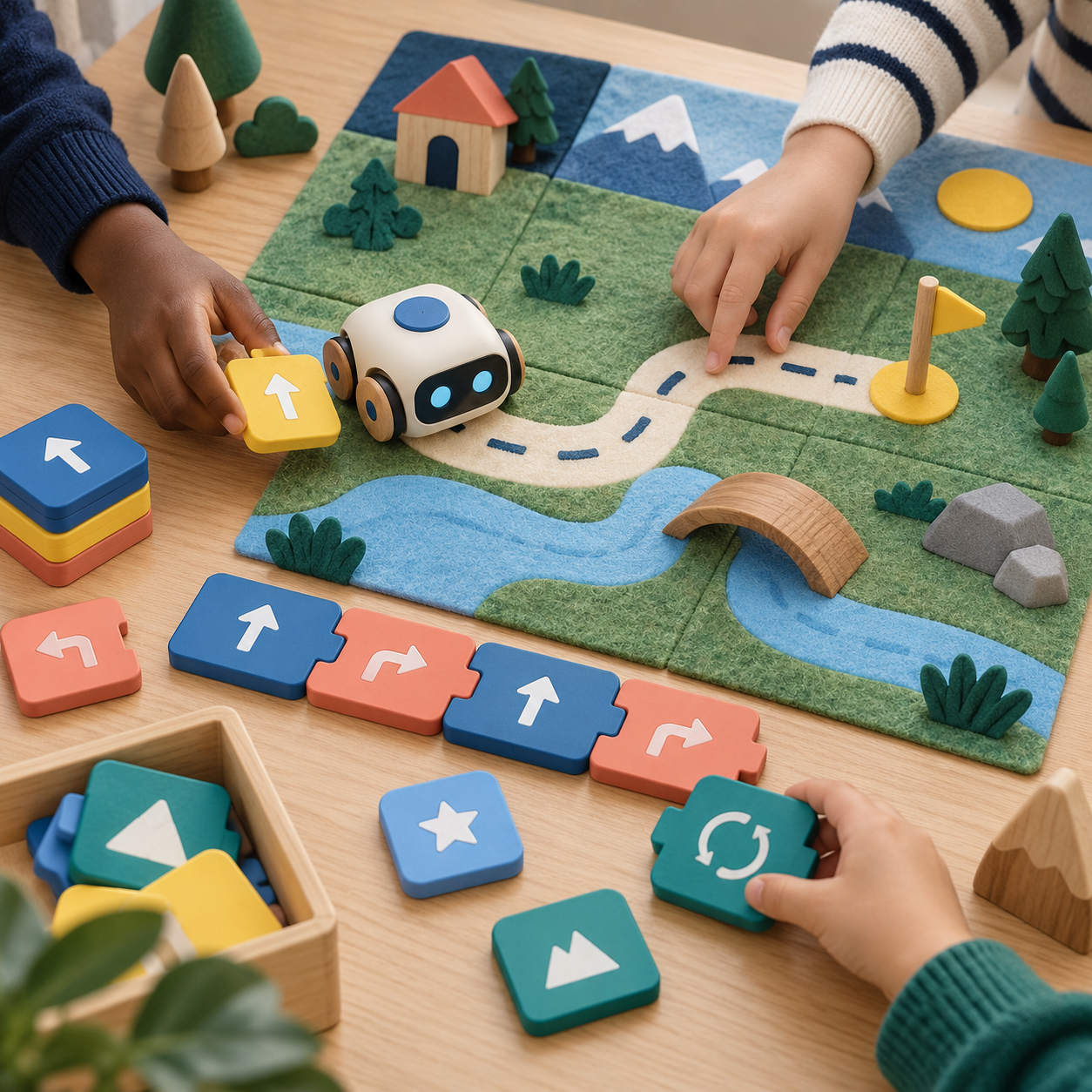
That is computational thinking, and it starts long before a screen. When a group lays out tiles, predicts where a robot will stop and finds the instruction that sent it the wrong way, they are practising how to question a result and check it together.
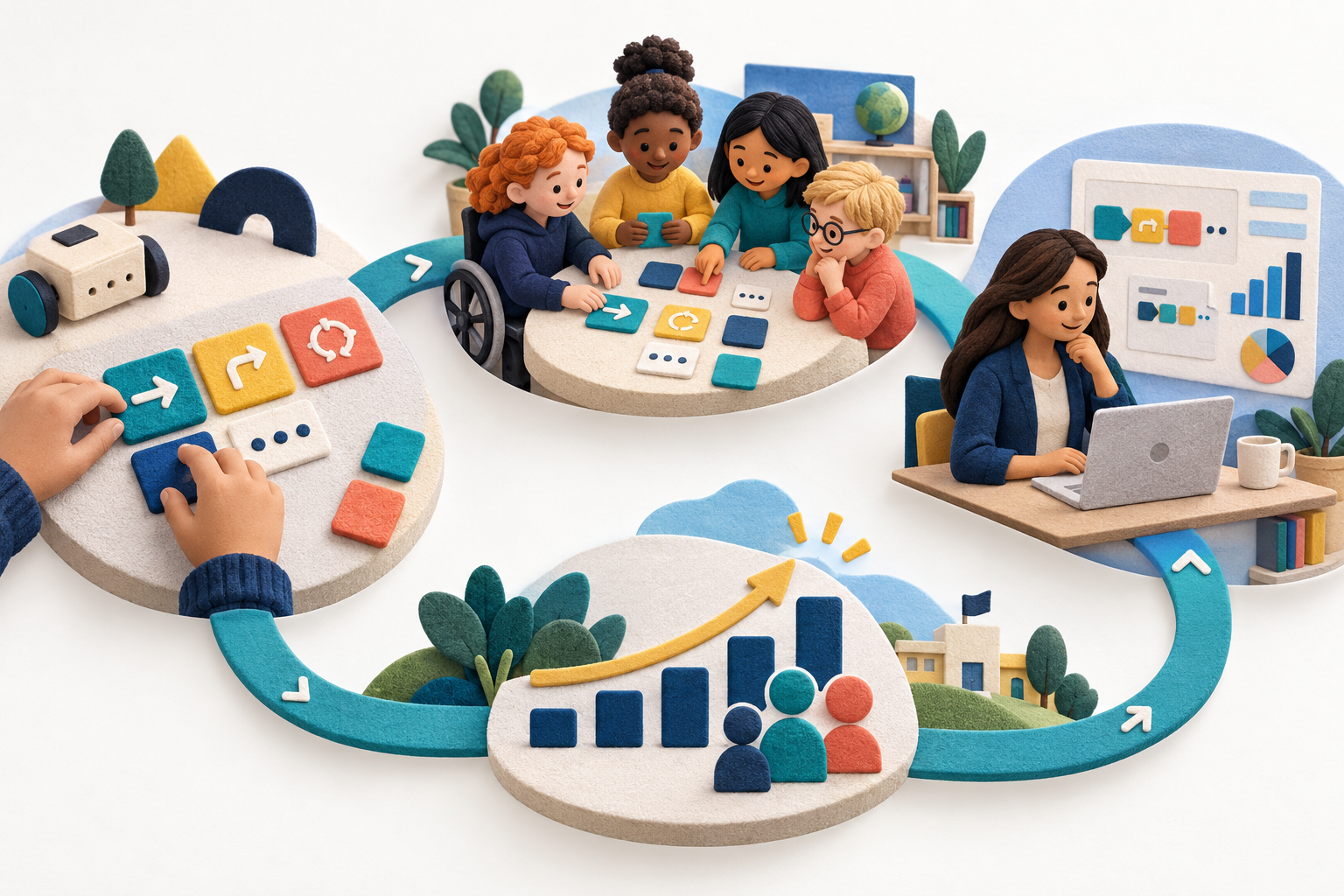
The four-stage cycle builds habits that last longer than any app or robot.
Shared roles give each pupil a real way into the task.
Computing science outcomes connect to learning in literacy, numeracy, science and more.
Missions and professional learning help the approach last beyond a visit.
We are building this with real classrooms and testing it carefully before making bigger claims.
The Tangible Learning Cycle
The goal is not just to get the robot to the end of a route. Children make a plan they can share, turn it into a visible sequence, predict what will happen, test it and think again. Each decision can be pointed to and improved together.
Understand the mission and agree an approach.
Begin with a goal the group can picture. Children discuss where to go, spot what may get in the way and agree a route before placing instructions.
A question to askWhat do we want to happen, and how will we know it worked?
Arrange instructions and predict the result.
Each instruction becomes part of a sequence everyone can see. Children explain why it belongs there, then point to where they think the robot will finish before anyone presses go.
A question to askTalk me through the order. Where do you think it will end up?
Compare the result with the prediction and repair it.
Run the sequence. When the result differs from the prediction, trace the steps and change one instruction to test a possible cause. A bug is something to find, not something to be embarrassed about.
A question to askWhere did the result differ from what you expected?
Explain the learning and strengthen the solution.
Children explain what they changed and why. They may shorten the route, add a challenge or use the same thinking in another mission.
A question to askWhat would you keep, change or try next time?
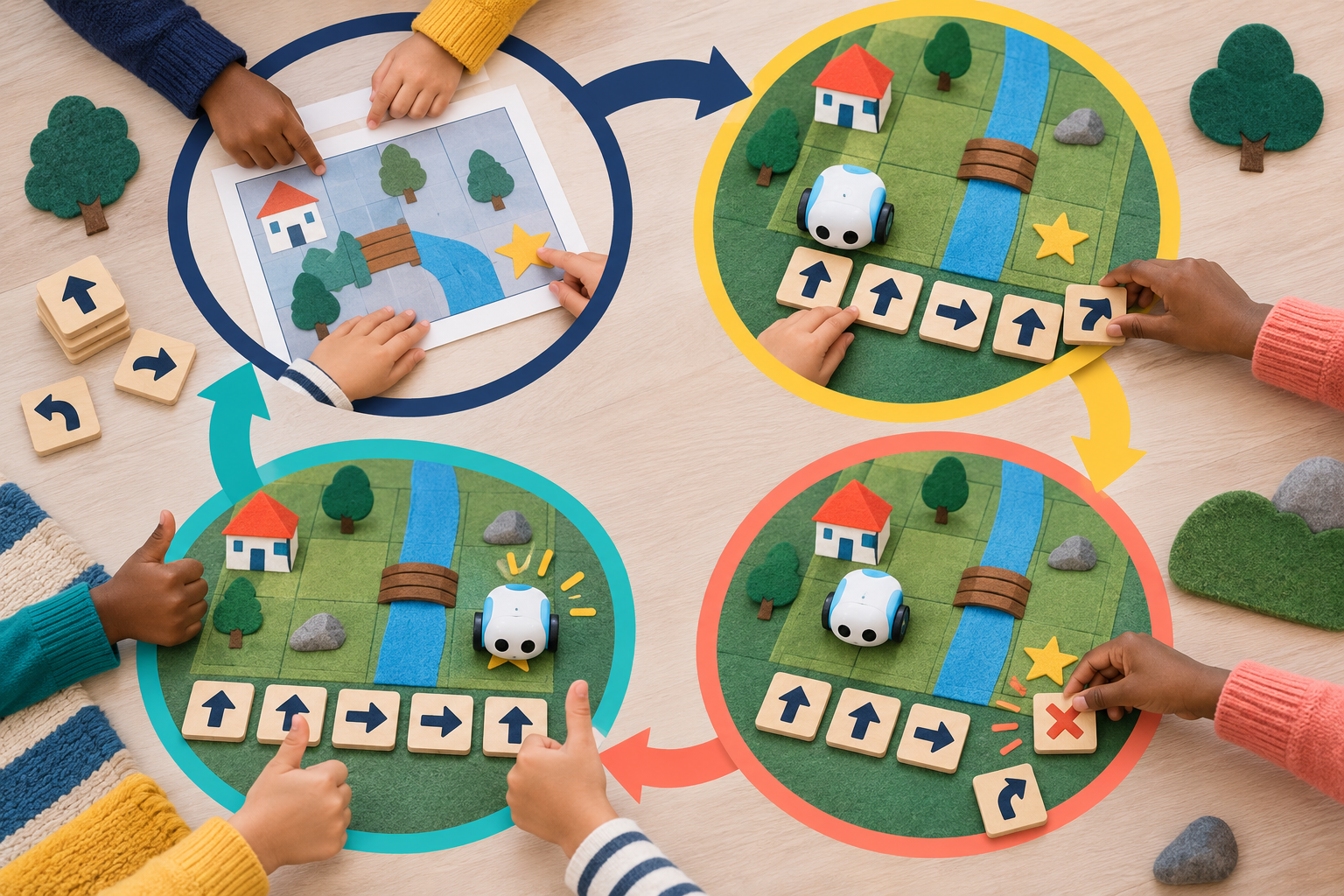
The cycle is not a straight line. A new question can take the group back to planning, building or testing.
Same four stages, any subject. Once children know Plan, Build & explain, Test & debug and Reflect & improve, teachers can use the same words to plan a story, check a sum or run a fair test.
Curriculum for Excellence
Tangible missions are designed around computing science experiences and outcomes in Technologies. The same learning cycle can also give children a way to reason together in other subjects.
| Stage | CfE level | What children do |
|---|---|---|
| P1 | Early | Follow and give simple movement instructions; build short sequences; predict one move at a time. |
| P2–P4 | First | Plan longer routes; explain each instruction; predict, test and fix a sequence. |
| P5–P7 | Second | Explore repetition and simple decisions; move from tiles towards block code; design missions for others. |
Plan a story route, put events in order and improve the retelling.
Use position, movement and direction to predict a route around a grid.
Plan a fair test, compare results and improve the method.
Explore maps, routes and places in the local community.
Build movement, rhythm and pattern into a sequence.
Practise turn-taking, resilience and working through mistakes together.
For official computing science experiences and outcomes, see Education Scotland's Technologies guidance.
Inclusive by design
In many robot lessons, one child holds the robot and everyone else watches. Tangible missions use small groups with shared jobs that rotate, so every child can contribute.
Because the code sits on the table, children can show their thinking by pointing and moving tiles as well as talking. Groups can rotate through stations: some plan and predict while others test.
Screen-light, not anti-technology
Children reason with tiles, mats, stories and shared roles. Robots let groups test a sequence. A planning space for teachers, Tangible Coding Studio, is in development; we will share more when it is ready.
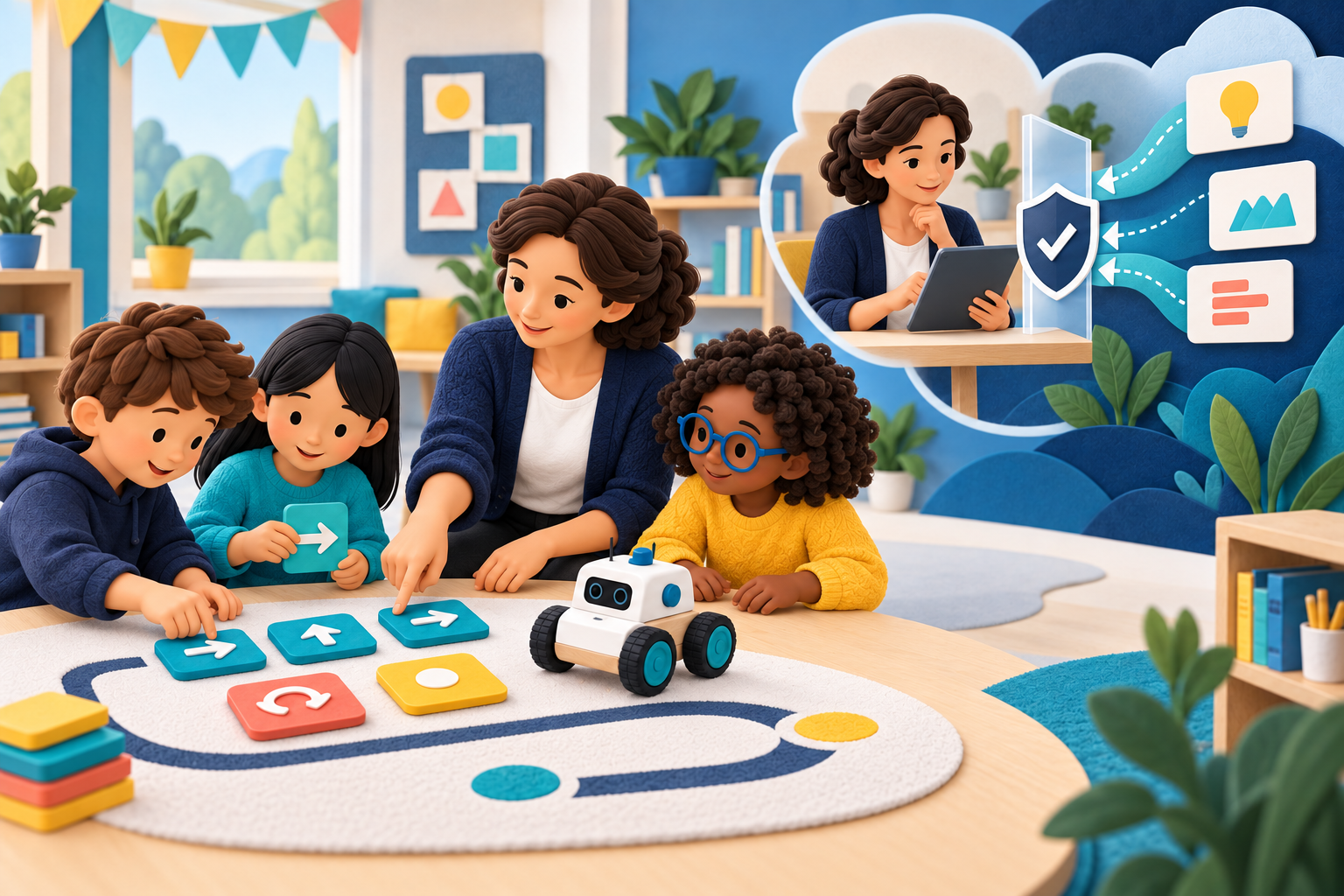
We manage the technology
Your school subscribes to the Tangible Coding system, with the approach, kit and support considered together.
A planning space for your teachers, tailored to your school. It is in development; more soon.
We recommend tools for your stages and pupils, maintain the kit and replace it when needed.
The Tangible Learning Cycle, curriculum-linked missions, guidance and ways to see progress.
Professional learning at each stage, with refreshers when staff change.
Help when it is needed and an annual conversation about what is working and what comes next.
Already have robots? Tell us what you use. We can discuss where existing kit fits the approach.
For schools
See the approach, try it with your pupils and then decide whether it belongs in your school's year.
A staff demonstration, ideally with pupils taking part, and a conversation about what your school needs.
A term with one class, including teacher induction, missions and kit, followed by a review.
Make Tangible Coding part of the school year, with managed kit, professional learning, support and an annual review.
Funding support
We help schools map realistic options, including local funds, suitable equity funding and their own budgets. Where Pupil Equity Funding fits an identified need, we can help work through the case and the evidence needed to review impact.
Your school makes its own application. Funding decisions belong to the funder.
Professional learning
You do not need a computing background. The aim is for your own teachers to teach Tangible Coding confidently, using the same four-stage cycle at every level.
Foundations
Organise roles, guide testing and debugging, and use simple assessment during a Try term.
Practitioner
Differentiate missions, deepen questions, assess reasoning and use the cycle across subjects.
Lead
Lead the approach across a school or cluster and contribute new missions.
Refresher sessions help new staff pick up the approach. Teachers can record relevant learning for GTCS Professional Update.
Talk to us about professional learning →In the classroom
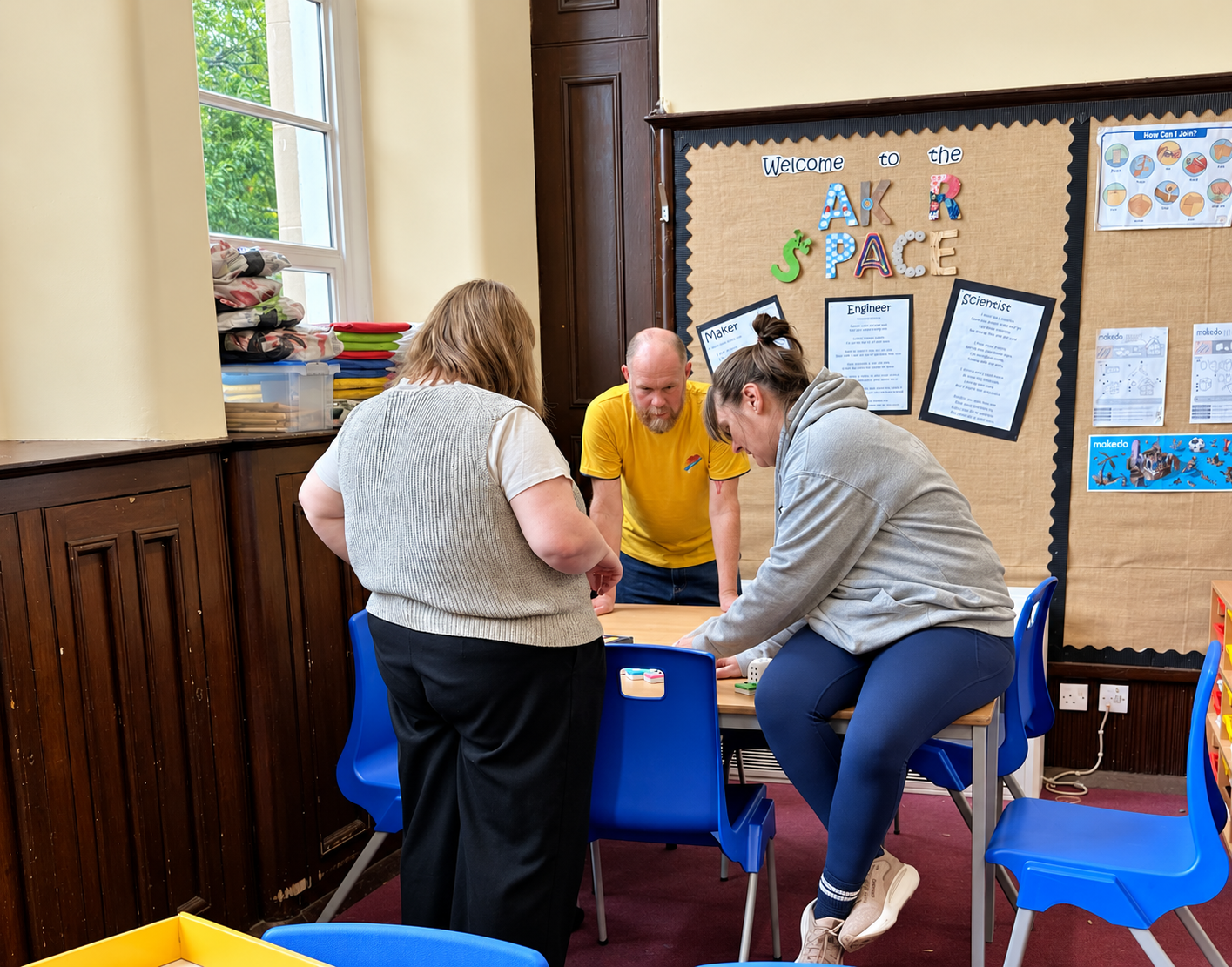
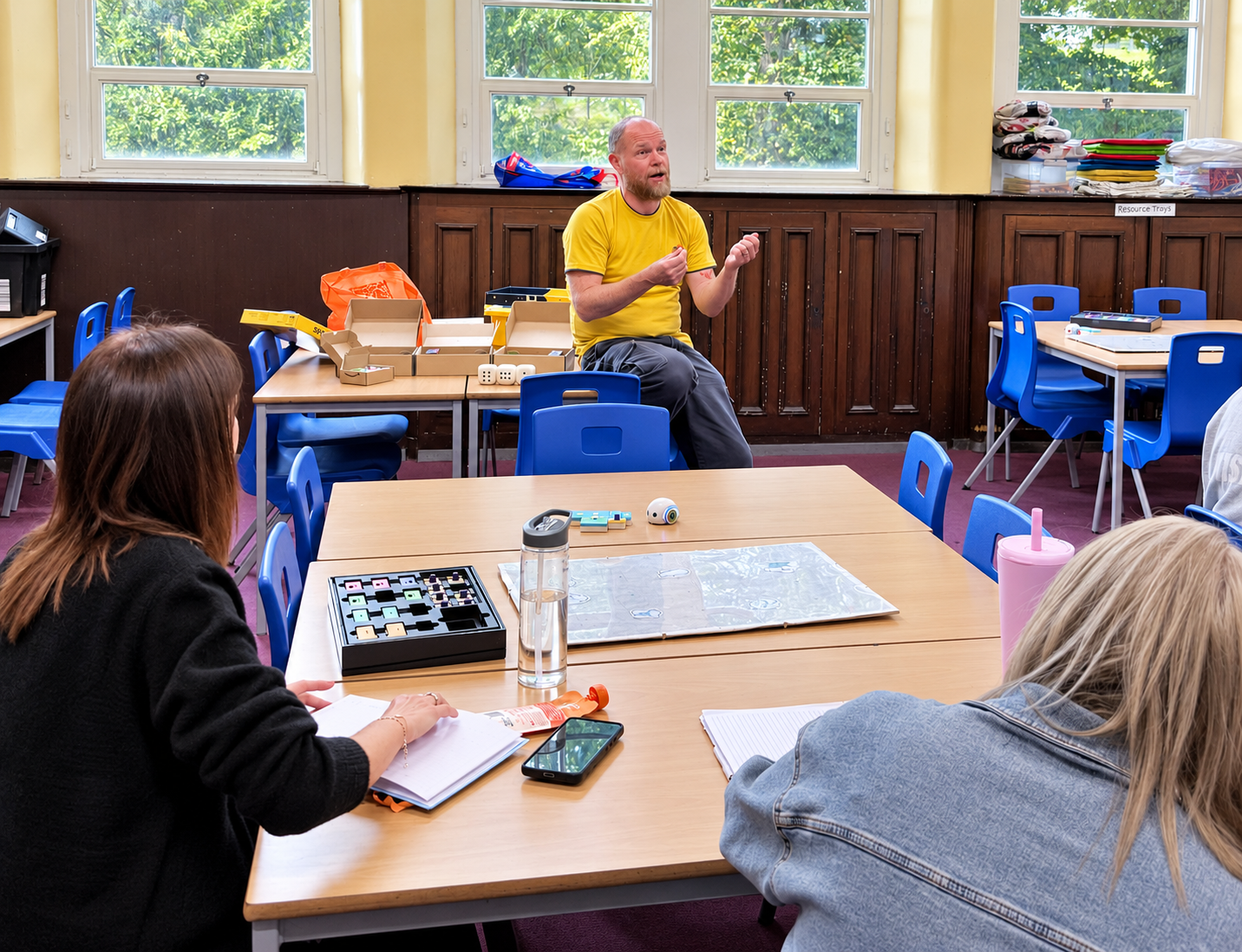
At Clepington Primary School in Dundee, teachers gathered around Tangible Coding resources to explore the idea at the heart of the approach: thinking is easier to share when you can see it, touch it and talk about it. The tiles and mats gave the group something concrete to build, explain and question together.
Research
The approach draws on learning through making, action, conversation and treating mistakes as information. Our research aims to test how it works in ordinary Scottish classrooms, led by class teachers.
Can children plan, predict, test and improve more confidently?
How evenly do children contribute within a group?
Does predicting before testing help groups find and fix mistakes?
Can teachers lead lessons and adapt missions independently?
Does the cycle help thinking in literacy, numeracy and beyond?
How do children give reasons, listen and agree on a plan?
We plan to compare evidence carefully, report limits as well as promising results, and ask schools to review anything said publicly about them. Case studies are in preparation.
Interested in joining future research in Fife or Tayside? Start here →Questions headteachers ask
No. The missions, cycle and professional learning are designed for teachers without a computing background.
It supports computing science outcomes and can also be used in literacy, numeracy, science and more.
Children who plan, predict, test and explain are better placed to question and check what technology tells them.
No. The subscription includes kit that we maintain and replace when needed.
No. Pupils work with physical resources and do not need accounts.
Children work mainly with tiles, mats and robots. Screens are chiefly for teachers preparing lessons.
School Fit Checker
Choose what you can see in your school. Your answers become wording you can review and send.
Your suggested starting point
Your useful first enquiry
If you used the Fit Checker, your request appears here automatically. You stay in control of every word, and nothing is sent until you choose to send it.